
Do You Need an HSC Study App? A Practical Feature Checklist
An HSC study app is useful only if it solves a real study problem. Compare digital features with paper alternatives to decide whether an app will genuinely improve your study routine.
Imagine you have 45 minutes set aside for HSC study. You open your study app to check what needs doing, rearrange a few tasks, colour-code your subjects, and look at tomorrow’s schedule. Fifteen minutes have passed, and you haven’t answered a single question.
Would you have been better off with a paper planner?
Possibly. An HSC study app is only useful if it makes studying easier, improves what you remember, protects your attention, or helps you organise your work. Having more features doesn’t automatically make it a better study tool.
The trick is to identify what is actually getting in the way of your study before deciding whether an app can fix it.
01Do you actually need an HSC study app?
For most Year 11 and 12 students, the answer is: perhaps, but you probably don’t need an app for everything.
A paper planner can organise your week. A notebook can hold your worked solutions. Handwritten flashcards can test your memory. None of these becomes less effective simply because an app offers a more colourful version.
However, some digital features genuinely make certain tasks easier. For example, an app can automatically schedule revision, send reminders across multiple subjects, or keep study materials accessible across devices.
Start by identifying your biggest problem.
| Your main problem | What might help |
|---|---|
| You forget assessment dates and study tasks. | A calendar or planning app with reminders. |
| You understand material when reading but forget it later. | An app supporting active recall and spaced repetition. |
| You keep getting distracted by your phone. | Paper-based study, or a device with effective focus controls. |
| Your notes and revision materials are scattered. | An app with reliable organisation and export features. |
| You already study consistently and stay organised. | You might not need another app at all. |
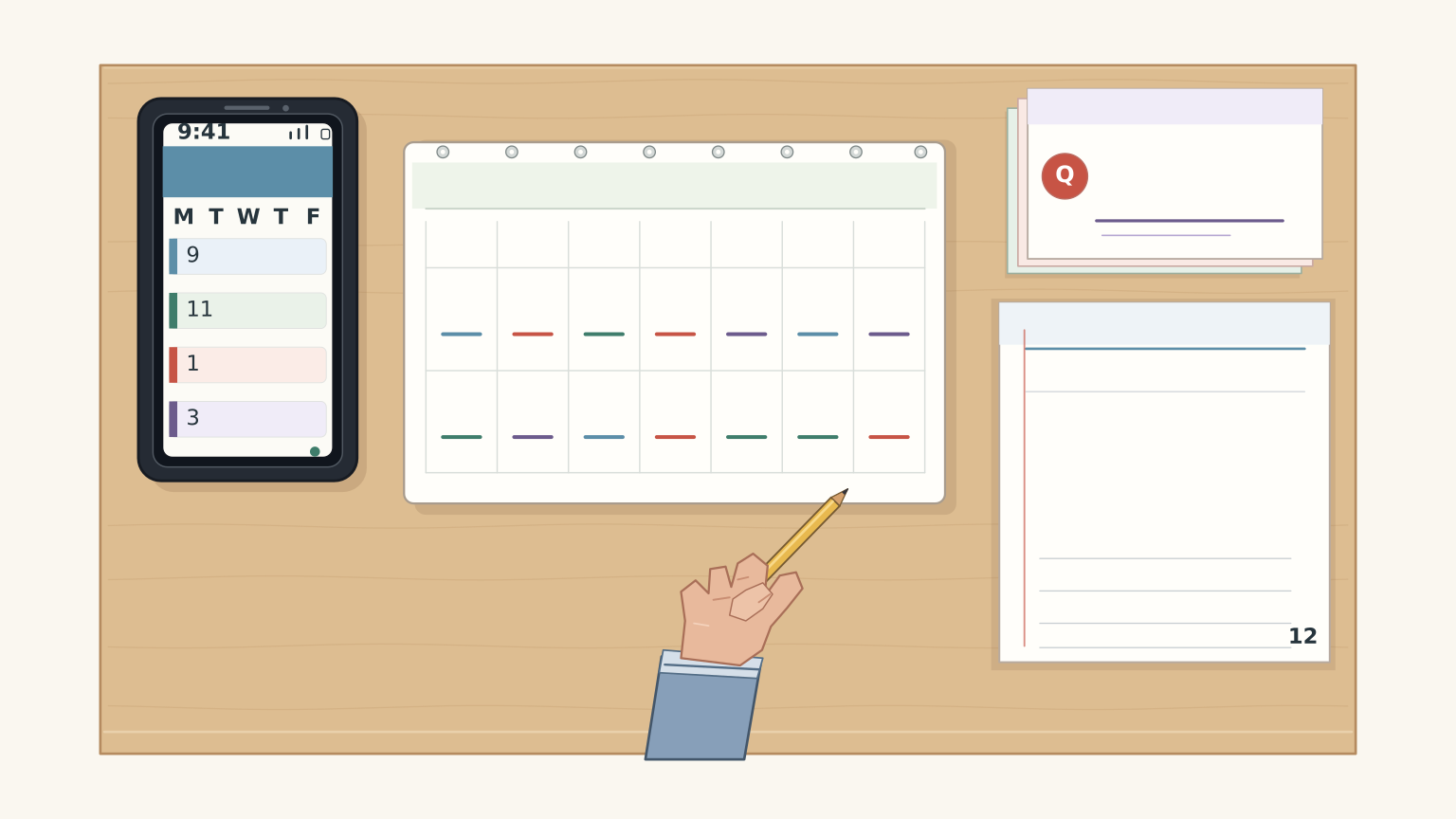
Due to technical limitations, this figure may display incorrectly or contain inaccuracies. Please check key details against your course materials.
The important distinction is between a problem with your study system and a problem with your actual understanding.
An app might help you remember when to revise physics. It won’t automatically help you understand why a charged particle curves in a magnetic field.
Let’s look at the features that are genuinely worth evaluating.
01Planning: Does the app help you decide what to study?
A common problem in Year 12 is having plenty of things to do but no clear idea where to start.
You might have:
- A physics assessment approaching.
- Chemistry content you haven’t revised in two weeks.
- Maths Extension 1 questions to finish.
- A list of mistakes from your last practice paper.
- Schoolwork that needs to be completed before the weekend.
Writing all of this in one enormous to-do list doesn’t necessarily help. You still need to decide what deserves your attention first.
This is where a planning app can be useful.
What a good planning feature should do
Look for these capabilities:
- Subject organisation: Can you separate Mathematics, Physics, Chemistry, and other commitments?
- Deadlines: Can you record assessment dates, exam dates, and assignment due dates?
- Time estimates: Can you estimate how long individual tasks will take?
- Flexible scheduling: Can you move unfinished tasks without rebuilding your entire timetable?
- Reminders: Can you receive useful reminders without being interrupted constantly?
- Weekly overview: Can you see how much work is competing for your available time?
The most important feature is not the number of calendar views. It’s whether the app helps you turn a vague intention into a specific task.
Compare these two entries:
| Vague task | Useful task |
|---|---|
| Study Physics | Complete six practice questions on the current topic. |
| Revise Chemistry | Recall key definitions and explain three reaction pathways. |
| Do Maths | Complete four exam-style questions and correct mistakes. |
| Study for exams | Attempt one timed section without notes. |
The second column tells you exactly what to do when you sit down.
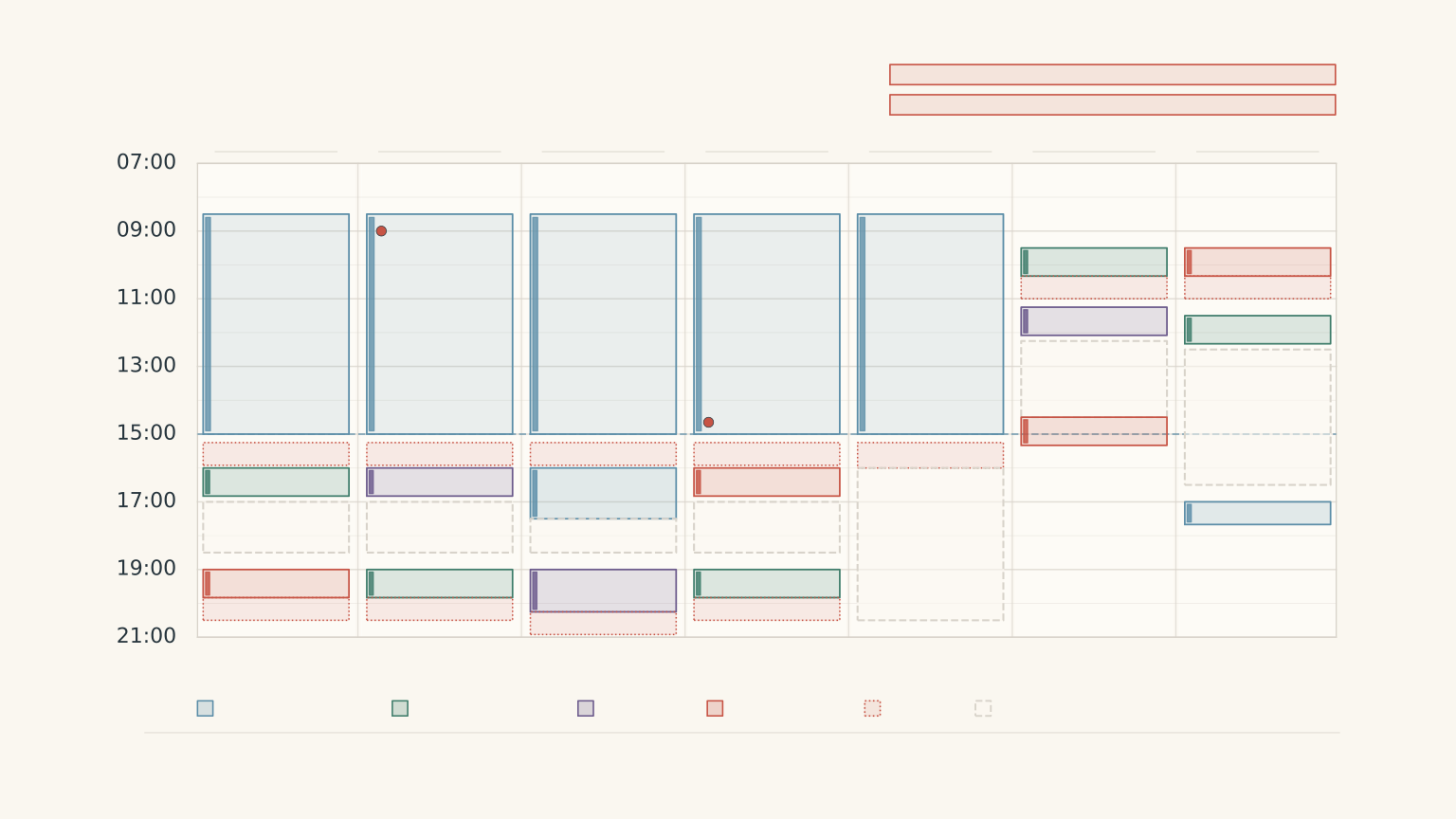
Due to technical limitations, this figure may display incorrectly or contain inaccuracies. Please check key details against your course materials.
Don’t confuse a full timetable with a good timetable
Suppose you have three hours available after school.
You schedule:
- 4:00-5:00 pm: Mathematics.
- 5:00-6:00 pm: Physics.
- 6:00-7:00 pm: Chemistry.
It looks organised. But you’ve allowed no time for a break, an unexpectedly difficult question, or a task that takes longer than expected.
A good planning app should make it easy to adjust your schedule. It shouldn’t encourage you to fill every available minute.
Paper can do this just as well. If you prefer writing your priorities on a weekly planner and crossing them off, there’s no compelling reason to switch.
Decision rule: Choose a planning app if you regularly lose track of deadlines or struggle to organise competing commitments. Stick with paper if your current planning method already works.
02Retrieval practice: Does the app help you remember?
This is arguably the most important feature to evaluate.
Imagine reading your chemistry notes about a particular reaction. Everything looks familiar. You recognise the reactants, remember seeing the conditions, and feel reasonably confident.
Now close your notes.
Can you explain the reaction without looking?
There’s a difference between recognising information and retrieving it from memory. Recognition feels comfortable because the answer is already in front of you. Retrieval requires you to produce the information yourself.
This is why repeatedly reading notes can give you a misleading sense of how much you know.
Active recall and spaced repetition
Two useful study techniques are active recall and spaced repetition.
Active recall means attempting to retrieve information from memory before checking your notes.
For example:
- Write a question about a concept.
- Hide the answer.
- Explain the concept from memory.
- Compare your response with the correct explanation.
- Identify what you missed.
Spaced repetition means revisiting material across separate study sessions rather than attempting to learn everything in one sitting.
Why does this help?
When you return to information after some time has passed, you have to retrieve it again. This gives you another opportunity to strengthen your ability to recall it later.
A study app can make this process easier by scheduling questions for revision and tracking which ones you struggle with.

Due to technical limitations, this figure may display incorrectly or contain inaccuracies. Please check key details against your course materials.
What retrieval features should you look for?
- Flashcards that hide answers until you attempt a response.
- Automatic scheduling of future revision sessions.
- A way to mark answers as correct, partly correct, or incorrect.
- The ability to create your own questions.
- Progress tracking that identifies topics you repeatedly struggle with.
- Support for written explanations, not just multiple-choice answers.
That last feature matters.
A multiple-choice question can test whether you recognise the correct answer. It doesn’t necessarily show whether you can explain the reasoning behind it.
For HSC subjects, you need more than memorised definitions.
In Mathematics Extension 1 and 2, you need to select appropriate methods and work through unfamiliar problems.
In Physics, you need to connect physical principles to mathematical models and explain what your results mean.
In Chemistry, you need to understand relationships between structure, properties, reactions, and experimental evidence.
Flashcards can help you remember equations, definitions, assumptions, and important conditions. They cannot replace solving complete exam-style problems.
A useful example: Revising a physics equation
Suppose you’re learning the relationship:
\[ F = qvB\sin\theta \]
You could make a flashcard asking:
Question: What is the magnitude of the magnetic force on a charged particle moving through a magnetic field?
Answer:
\[ F = |q|vB\sin\theta \]
You could then create follow-up questions:
- What happens when the particle moves parallel to the magnetic field?
- What happens when it moves perpendicular to the field?
- Which quantities determine the magnitude of the force?
- Why does the magnetic force do no work on the particle?
The final question requires understanding, not simply memorising an equation.
A good study system should allow you to move from remembering information towards explaining and applying it.
Decision rule: Choose an app with retrieval and spaced-revision features if you struggle to retain material between study sessions. Keep full written problem-solving in your notebook or on paper.
03Distraction control: Does the app protect your attention?
Here’s a slightly awkward problem with study apps.
They’re often used on the same device that contains social media, messages, videos, and everything else competing for your attention.
You open your phone to check a revision task. A notification appears. You respond to a message. You check something else.
Before you know it, the study session has turned into something completely different.
The problem isn’t necessarily your ability to concentrate. Your study tool might be making distractions easier to access.
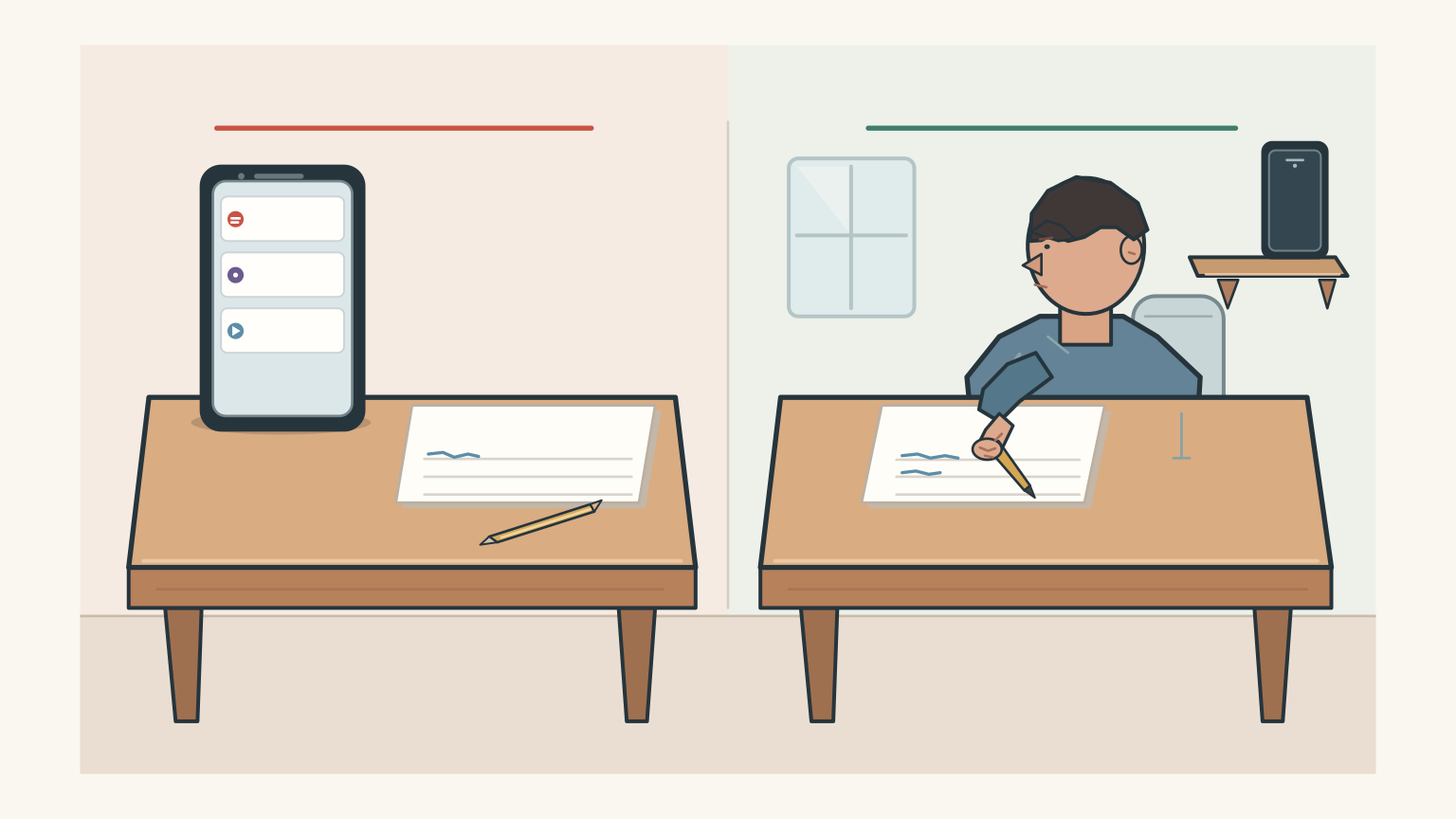
Due to technical limitations, this figure may display incorrectly or contain inaccuracies. Please check key details against your course materials.
Features worth checking
If you plan to study using your phone or computer, consider whether the app offers:
- Focus sessions with a clear start and finish.
- Customisable notification settings.
- The ability to hide unnecessary reminders.
- A distraction-free study interface.
- Desktop access, so you don’t always need your phone.
- Integration with device-level focus settings, where supported.
Be careful with study timers.
A timer can help you structure a session, but recording 90 minutes of study doesn’t prove that you’ve learned anything.
An hour spent attempting difficult questions, correcting errors, and understanding mistakes can be more valuable than three hours spent switching between apps.
When paper is the better option
If your phone is your biggest source of distraction, consider keeping the phone away during demanding study sessions.
You could:
- Use a paper planner for daily tasks.
- Work through printed exam questions.
- Keep handwritten notes beside you.
- Use digital tools only when you need to organise or review material.
There’s no requirement to make every part of your study routine digital.
Decision rule: If opening your study app creates more opportunities for distraction, use paper or a separate device for focused work.
04Export and backup: Can you keep your work?
This is an easy feature to overlook when choosing an app.
Imagine spending an entire year creating:
- Hundreds of revision flashcards.
- Detailed subject notes.
- A collection of difficult practice questions.
- Lists of mistakes from previous assessments.
- Personal revision summaries.
What happens if you stop using the app?
Can you take your work with you?
This is where export functionality matters.
Understand the difference between syncing and exporting
These features aren’t necessarily the same.
Syncing means your information is kept up to date across supported devices or accounts.
Exporting means you can take your information out of the app and use it elsewhere.
An app might sync your notes perfectly but provide very limited ways to export them.
Before committing to a platform, check:
- Can you export your notes?
- Can you export flashcards and question sets?
- Can you retain diagrams and attachments?
- Are exported files readable outside the app?
- Can you export your work in batches?
- Does exporting require a paid subscription?
- What happens to your materials if you cancel your account?
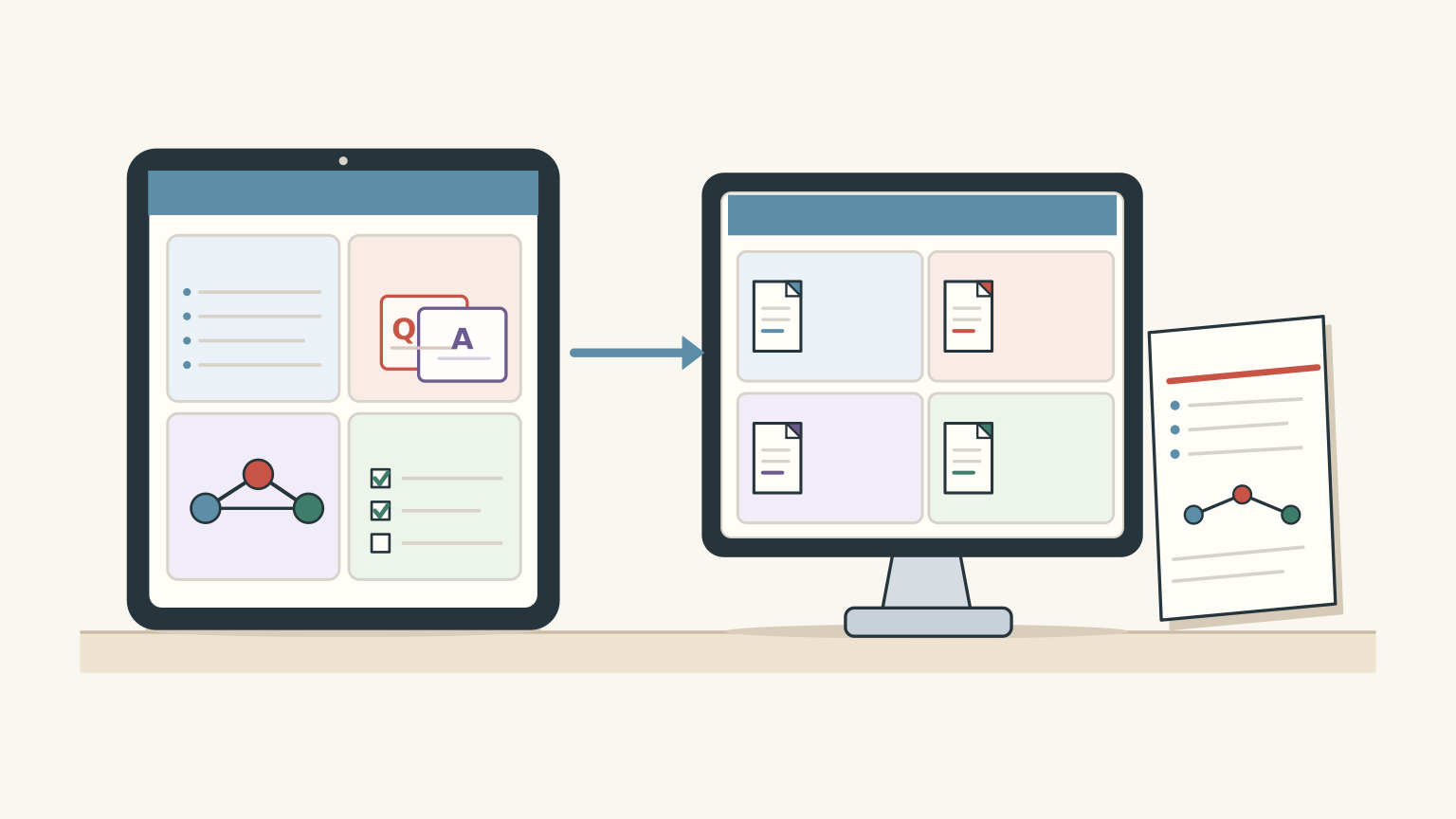
Due to technical limitations, this figure may display incorrectly or contain inaccuracies. Please check key details against your course materials.
You don’t need to export everything every week. But you should know that your work isn’t permanently trapped in one platform.
If you’re considering a paid subscription, check its current pricing, renewal conditions, cancellation terms, and export restrictions before committing.
Also, if an app provides subject content, make sure it matches the syllabus and course requirements for your HSC cohort. A generic ‘HSC’ label doesn’t guarantee that every resource is appropriate for your particular course.
If the app includes AI-generated explanations, answers, or assessment assistance, that’s another decision entirely. See our guide to Can You Use AI for HSC Assessments? A Practical Checklist.
Decision rule: Prioritise export and backup features if you’re building a substantial collection of revision materials that you want to keep using.
06App versus paper: Which should you choose?
You don’t need to make an all-or-nothing decision.
Different tools suit different tasks. The best study system might combine a digital calendar, handwritten notes, and a small collection of digital flashcards.
Here’s a practical comparison.
| Study task | Digital app | Paper alternative |
|---|---|---|
| Managing deadlines | Automatic reminders and calendar views. | Weekly planner or wall calendar. |
| Organising subjects | Searchable folders and categories. | Separate subject notebooks. |
| Memorising definitions | Scheduled flashcards and revision queues. | Handwritten flashcards. |
| Solving complex problems | Useful for accessing resources and tracking progress. | Excellent for working through calculations and diagrams. |
| Managing distractions | Focus features, if configured effectively. | No notifications or app switching. |
| Keeping revision materials | Cloud storage and export, if supported. | Physical notes and organised folders. |
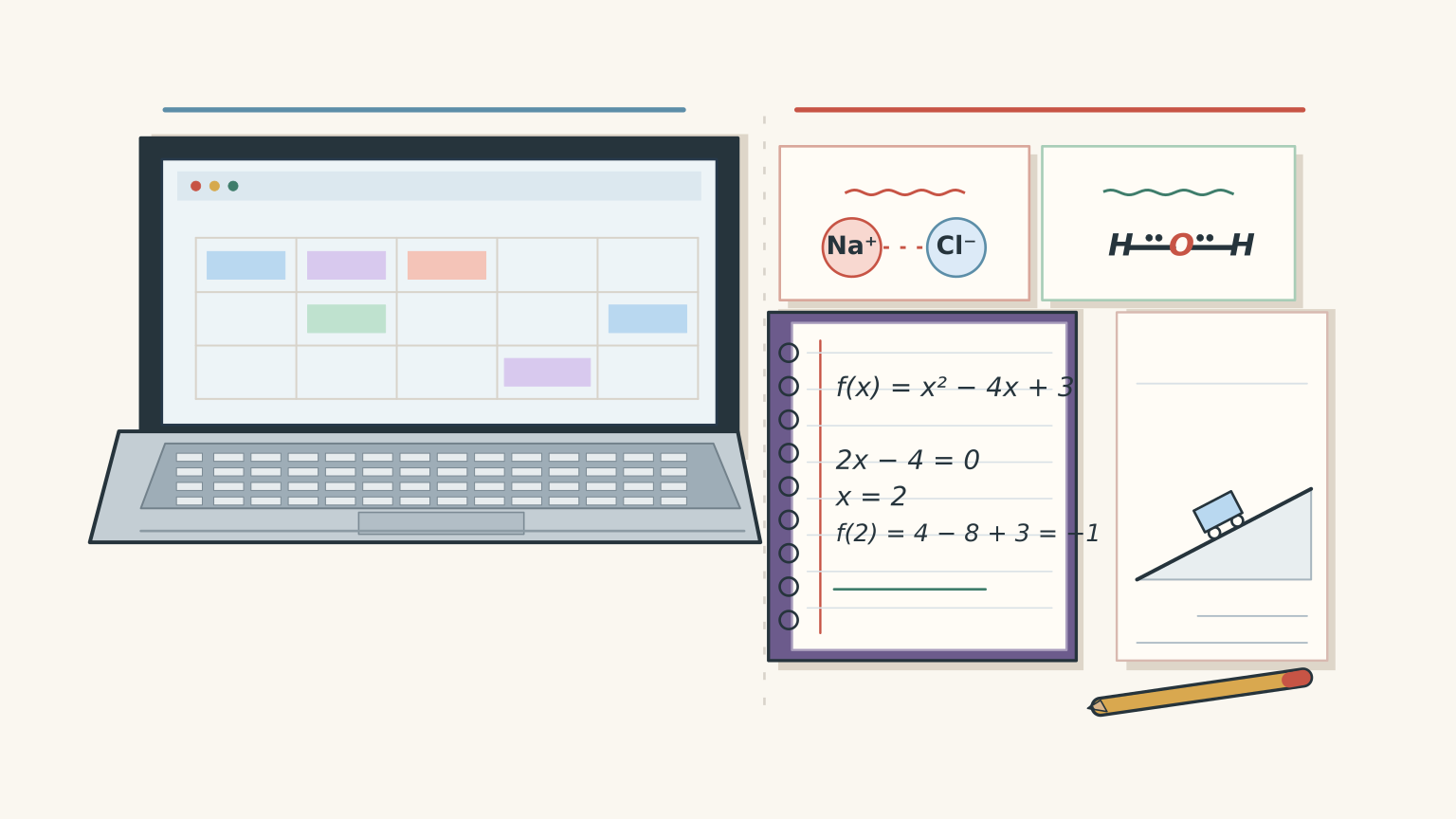
Due to technical limitations, this figure may display incorrectly or contain inaccuracies. Please check key details against your course materials.
One particularly effective arrangement is to use digital tools for organisation and paper for demanding problem-solving.
For example, you might use a calendar to manage upcoming assessments, flashcards to revise definitions, and a notebook to complete Mathematics Extension questions.
The goal is to choose the simplest tool that helps you complete each task well.
07A practical one-week test before choosing an app
You don’t need to commit to a new system immediately.
Instead, run a short trial using an app you’re considering, or compare it with your existing paper-based approach.
Step 1: Identify one problem
Choose something specific.
For example, you regularly forget to revise older chemistry topics.
Don’t try to improve your entire study routine at once.
Step 2: Choose the feature that addresses it
If you’re forgetting content, try scheduled flashcards.
If you’re missing deadlines, try a weekly calendar.
If you’re getting distracted, test whether the app genuinely helps you control notifications and screen use.
Step 3: Use it during normal study
Don’t spend the week customising every setting.
Use the basic features you actually need. Your study system should work during an ordinary school week, not just when you have plenty of time to organise it.
Step 4: Evaluate the result
At the end of the week, ask yourself:
- Did I complete more of the tasks I planned?
- Can I remember material without looking at my notes?
- Did I spend less time organising and switching between tasks?
- Did the app create additional distractions?
- Can I keep my work if I stop using it?
If the app hasn’t improved the problem you selected, there’s little reason to keep using it.
08Questions and solutions
Use these situations to decide which features deserve your attention. The aim isn’t to find an app with the most functions. It’s to find a study system that solves the right problem.
Question 1
You regularly forget smaller study tasks, even though you remember when your major assessments are due. You’re considering an app that offers flashcards, progress badges, an assessment calendar, and daily task reminders.
Which feature should you prioritise, and how should you use it?
Solution 1
Prioritise the daily task planner and reminders.
Your problem is remembering what needs to be done between major assessment dates. Flashcards won’t directly solve that problem, and progress badges don’t necessarily help you decide what to study.
Start by recording your upcoming commitments. Then break each subject into specific, manageable tasks.
For example:
- Monday: Complete five Mathematics practice questions.
- Tuesday: Revise ten Chemistry flashcards.
- Wednesday: Attempt a Physics extended-response question.
- Thursday: Correct mistakes from Monday’s Mathematics questions.
Set reminders at useful times, and leave space to move unfinished tasks.
The important feature is the ability to translate larger deadlines into smaller actions. If a simple paper planner achieves the same result, it is equally valid.
Question 2
A student uses an app to create flashcards for Mathematics Extension 1.
Each card displays a question about a mathematical concept and four possible answers. The student consistently selects the correct answer but struggles to solve unfamiliar exam questions.
Should they spend more time making flashcards?
Solution 2
No. They should shift more of their revision towards written problem-solving and explanation.
The student can recognise familiar answers, but this doesn’t demonstrate that they can independently select and apply a mathematical method.
For example, recognising the correct integration technique from four options is different from looking at an unfamiliar expression, deciding which technique applies, and carrying out the working correctly.
The distinction is between recognition and independent application.
A better revision system would combine:
- Flashcards for definitions, conditions, and key concepts.
- Short prompts asking when particular methods are appropriate.
- Complete exam-style questions solved without looking at worked solutions.
- An error log identifying mistakes and why they occurred.
The app can still play a useful role, but increasing the number of flashcards won’t necessarily address the student’s actual weakness.
Question 3
A student finds an app with excellent scheduling and spaced-repetition features. However, the app is only convenient to use on their phone, which is also their biggest source of distraction.
The free version allows basic planning but doesn’t allow full export of revision materials. The student is considering paying for a subscription.
What should they do before committing?
Solution 3
They should test whether the app can fit into their study routine without creating a bigger problem, and establish whether they can retain their materials.
There are two separate issues.
First, the app’s useful features may be undermined by the device required to access them. If opening the app repeatedly leads to social media, messages, or other distractions, the scheduling and revision benefits may not outweigh the cost to concentration.
The student should investigate desktop access, available focus controls, and whether they can use the app without repeatedly interacting with distracting features.
Second, they need to understand the export restrictions.
If their revision materials become important over the next two years, losing access to them or being unable to move them elsewhere could become frustrating.
They should check exactly which materials can be exported, whether export requires a subscription, and what happens after cancellation.
A sensible alternative might be to use a paper planner for deadlines, handwritten flashcards for revision, and the app only on a computer for tasks that genuinely benefit from it.
The tempting decision is to pay because the app has impressive features. The better decision is to evaluate the complete system, including the device, distractions, and long-term access to your work.
09So, do you need an HSC study app?
You need a reliable study system. An app is simply one possible part of it.
Before choosing one, remember four things:
- Planning: Can it help you turn deadlines into manageable study tasks?
- Retrieval: Can it help you remember and explain material without looking at your notes?
- Distraction: Does it protect your attention, or compete for it?
- Export: Can you keep and use your revision materials outside the platform?
If an app genuinely improves one or more of these areas, it may be worth using. If your paper planner, notebook, and existing revision routine already work, you don’t need to replace them.
The more important decision comes next: what should each study session actually achieve?
Try to give every session a clear outcome. It might be completing a set of unfamiliar Mathematics questions, explaining a Physics concept without notes, or correcting a recurring Chemistry mistake.
That’s a much better measure of productive study than how many tasks you’ve ticked off or how many hours your app has recorded.